
My smart meter display has stopped working. What should I do?
Published 26 November 2026
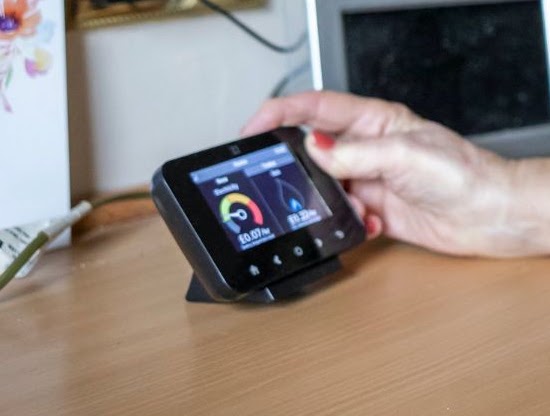
If the little screen has gone blank, frozen or stopped showing your gas use, start with the display itself. The screen is your in-home display. The meters that record your usage are separate, and they may still be sending readings to your supplier.
Try these checks first
- Blank screen? Plug it into a working socket using its own adaptor. Look for a power button and follow the instructions for your model to restart it.
- No signal or missing usage? Move the display closer to the electricity meter if there’s a suitable socket nearby. Leave it plugged in and give it time to reconnect. Gas readings usually update less often than electricity readings.
- Usage shows up but the cost looks wrong? Compare the rates shown on the display with your latest bill or tariff details. If they differ after a tariff change, ask the supplier to check what’s been sent to the display.
Check whether readings are getting through
Look at the most recent readings in your online account or on your bill. If they’re marked estimated, ask your supplier when it last received a reading automatically. If readings have stopped, take a reading from the actual meter and send it using the supplier’s usual method. Ask for instructions for your model if you’re unsure which numbers to use.
When to ask your supplier for help
Tell them what the screen says, when the problem started and whether one fuel or both are missing. Ask them to check the connection and tell you whether the display needs pairing or replacing. If the display is less than a year old, ask about a free replacement if it’s faulty. Mention if you depend on it to see your prepayment balance or if you can’t reach the meter.
Still stuck? Don't let it slide. Try our free tools or see who can help.