
Smart meters: an introduction
Published 4 January 2024
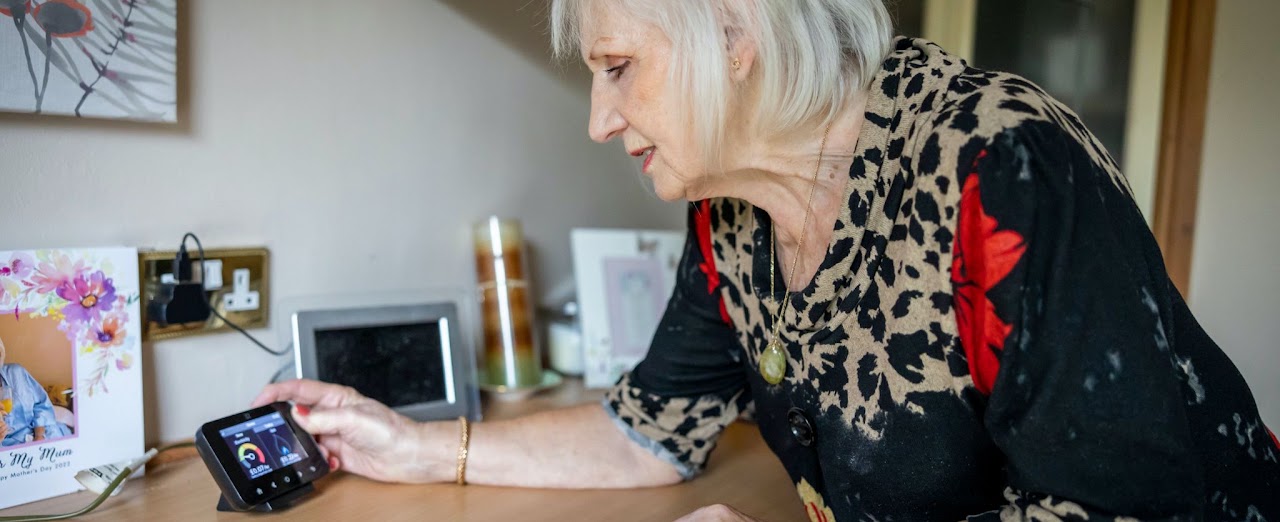
In today’s world, smart technology is changing our homes and lifestyles, and smart meters are a big part of that. A smart meter is a type of energy meter that sends your meter readings to your energy supplier automatically, so your bills are more accurate.
What is a smart meter?
People often use “smart meter” to mean the small screen in your home. That screen is actually your In-Home Display. It links to your gas and electricity smart meters.
A smart meter set-up in a home is usually made up of four main parts.
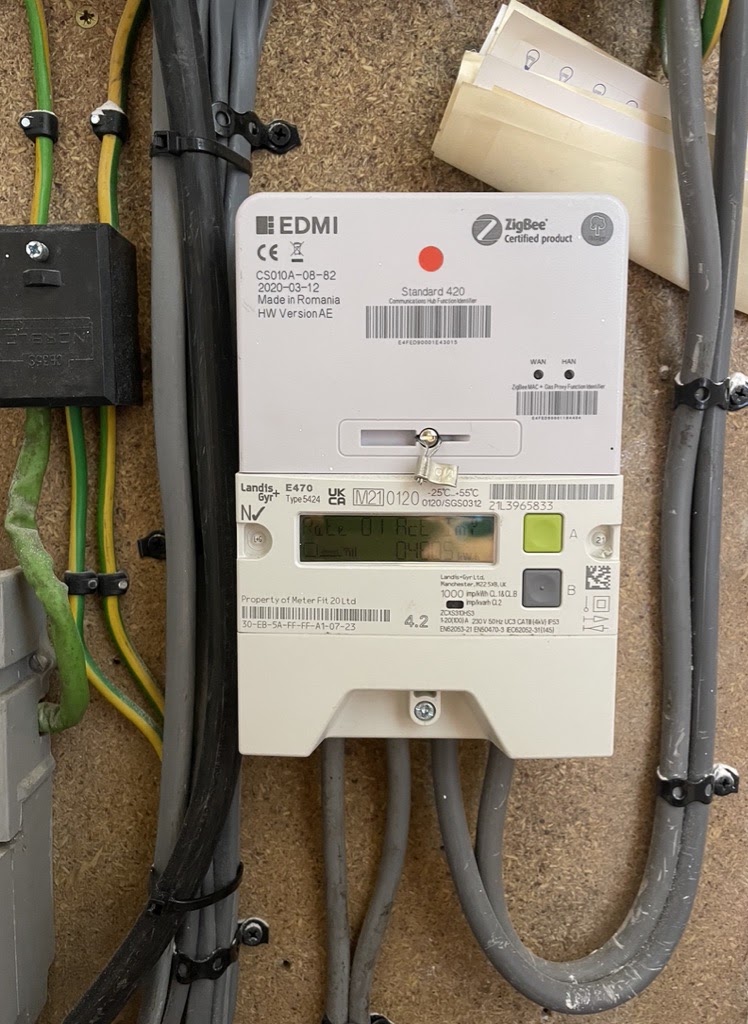
1. Electricity meter
This measures how much electricity you use. It works in much the same way as a traditional electricity meter. It is fixed to the wall, usually next to your consumer unit (fuse box).
In the photo above, the electricity meter is the lower white section.
2. Gas meter
If your home uses gas, the smart gas meter does the same job for gas, measuring how much you use.
3. Communications hub
This connects your gas and electricity meters to your energy supplier and to other devices. It uses a secure wireless network to send your usage to your supplier.
In the photo above, the communications hub is the top grey section.
4. In-Home Display (IHD)
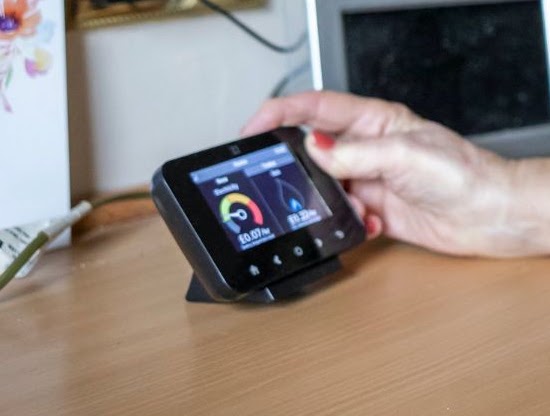
The IHD is a small screen that shows your energy use and costs in real time. It talks to your meters to help you understand how much energy you are using.
Useful to know
- You don’t have to have one. Smart meters are optional for most people. Your supplier can encourage you, but in most cases you can say no.
- Your IHD is free. If your supplier fits a smart meter, they should offer you an IHD at no cost. If yours stops working within the first 12 months, ask your supplier to replace it.
- No signal? Sometimes a smart meter loses connection and stops sending readings. If that happens, keep sending readings yourself so your bills stay accurate, and tell your supplier.
- Prepayment smart meters let you top up online or in an app, and your supplier can add emergency credit remotely.
Want to know what your appliances cost to run? Try our appliance cost calculator. Your IHD will show you the same thing live.
Still stuck? Don't let it slide. Try our free tools or see who can help.